
Template
Start with our template
Download the pre-formatted spreadsheet, fill in each cuff's wording and quantity, then return here to upload it.
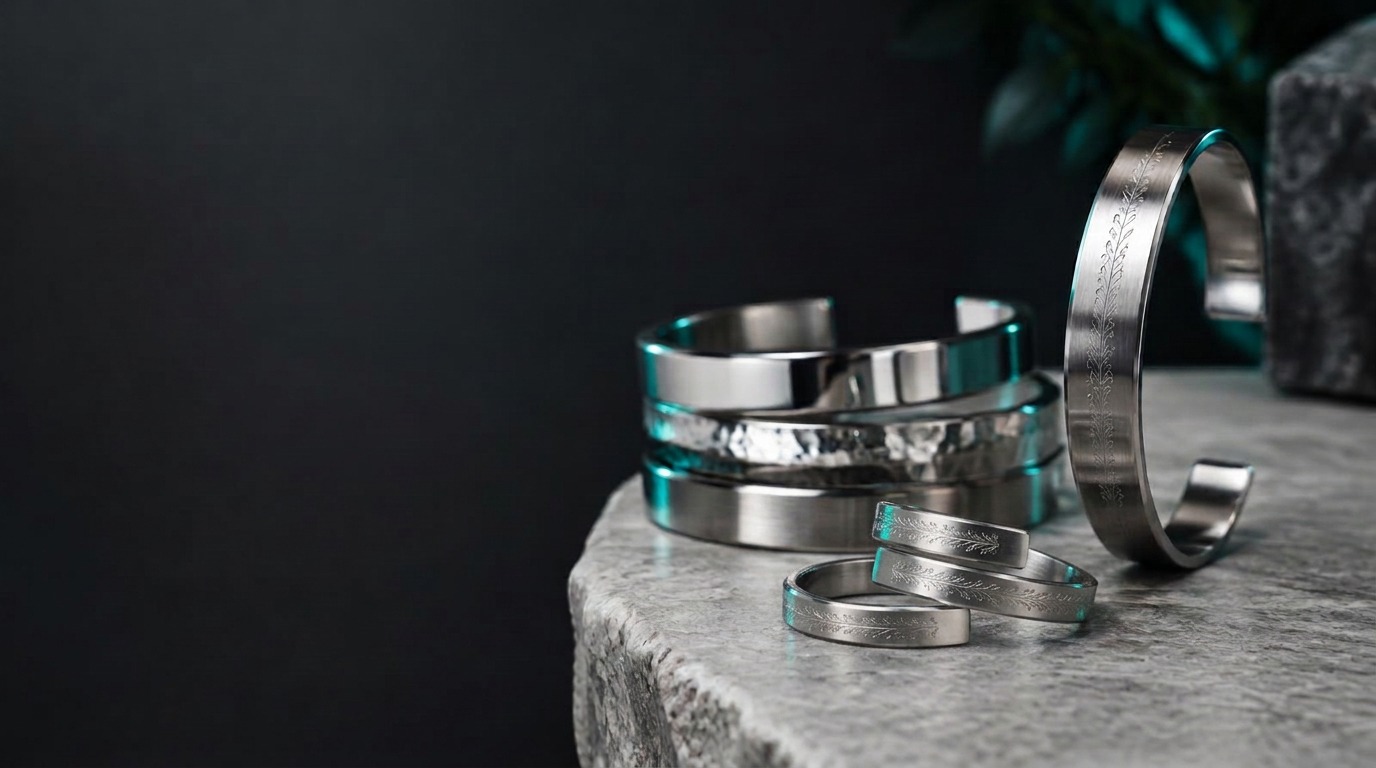
Products and Keepsakes / Cuff Bracelets and Wrap Rings
Complete each step to build a batch. Once you've added all the batches you need, request a quote and we'll be in touch.
Download the pre-formatted spreadsheet, fill in each cuff's wording and quantity, then return here to upload it.
Prefer to build your own sheet?
Any .xlsx, .xls, or .csv with these three columns in the first row will work. Each column can only use one font style — if you need multiple fonts on a single bracelet, the outside and inside columns may differ.
| Qty | Outside / Front Wording | Inside / Rear Wording |
|---|---|---|
| 1 | Class of 2026 | J. Smith |
| 1 | Team Alpha | Est. 2020 |
The quick brown fox
The quick brown fox
Drag & drop your sheet here
Accepted: .xlsx, .xls, .csv
Upload the sheet you prepared so we can preview the wording and quantities.
Upload a sheet in Step 02 to see the preview.
No batches added yet. Complete Steps 01–03 and click "Add Batch to Quote Session".
Your batches save to your Oncad customer account and a notification email is sent to info@oncadsolutions.co.za. Sign in required.